
Airport terminal background for the Fiber storybook.
Pico pulling a suitcase through the airport.

Meet Pico.
Just passing through
the airport.

Powered by Fiber behind the scenes

Chapter 1

How pay-as-you-use works over time

After a long flight, all I need is a quick nap.
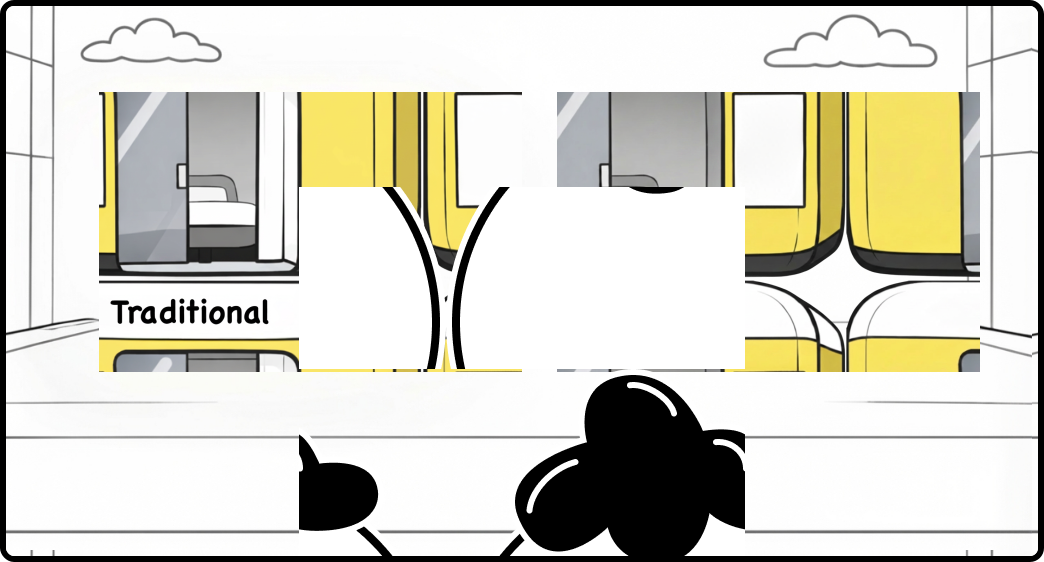
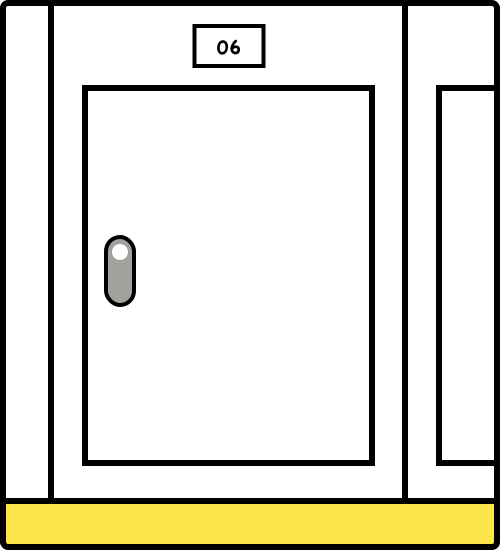
Traditional and Fiber nap pods side by side in the airport.

I have to choose a package before I know how long I’ll sleep.
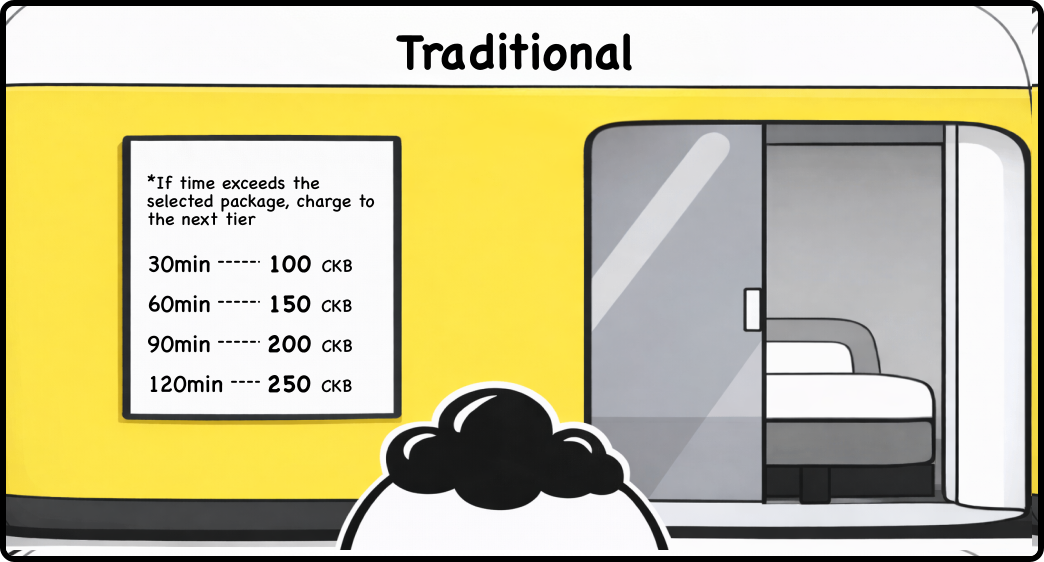
Traditional nap pod pricing board.

How does Fiber charge?

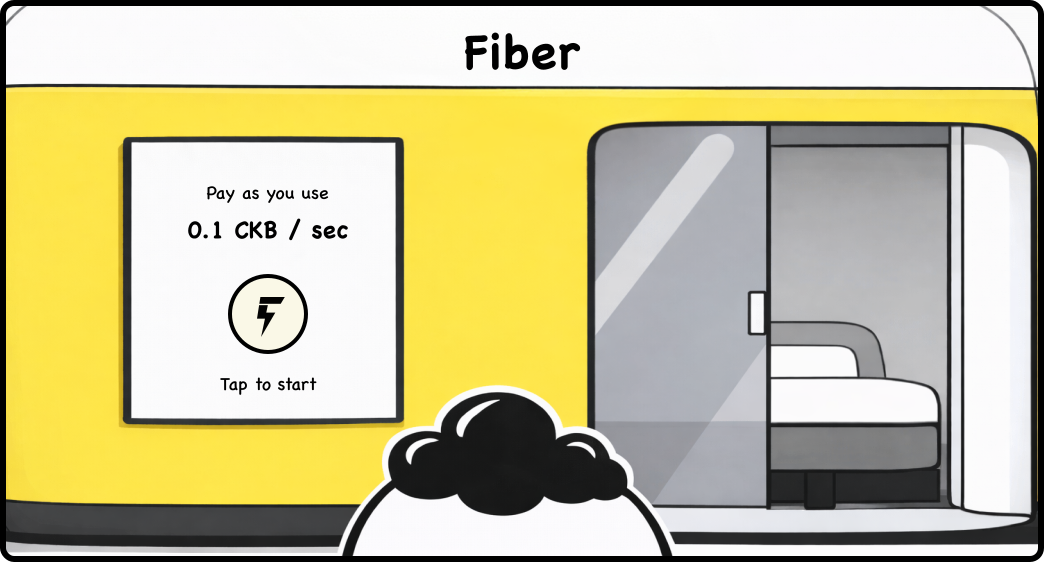
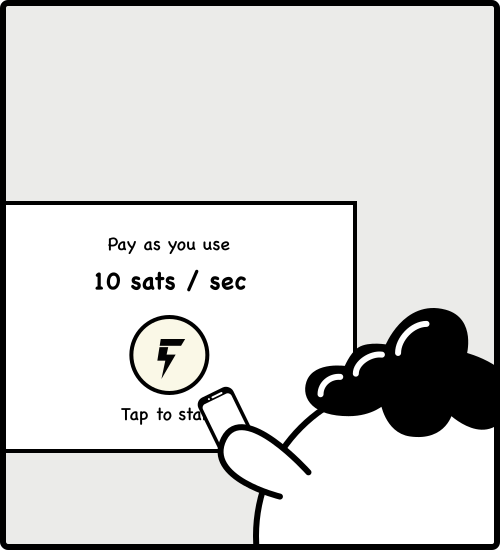
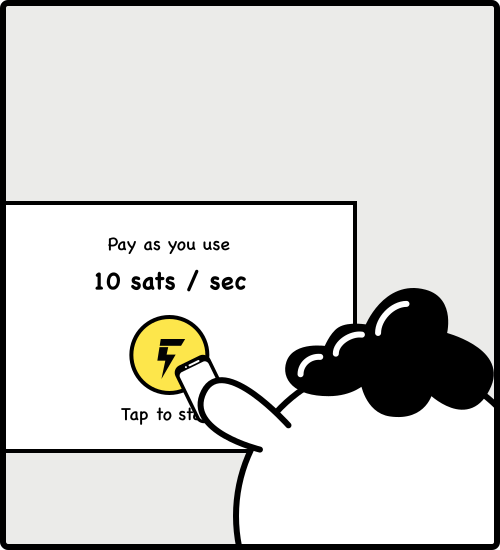
Fiber nap pod with pay-as-you-use pricing.
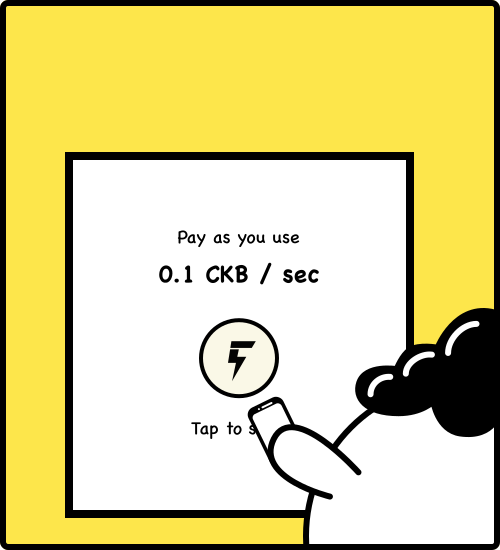
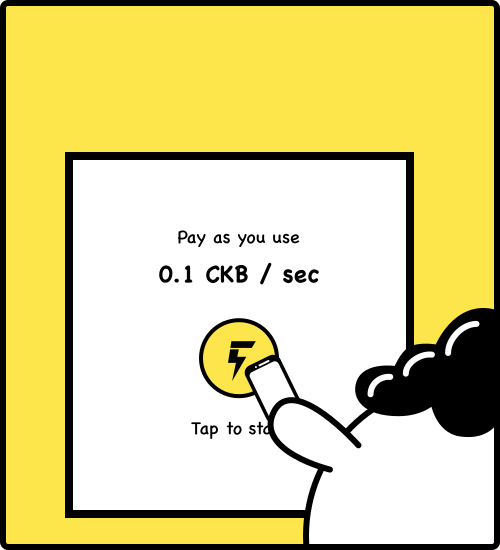
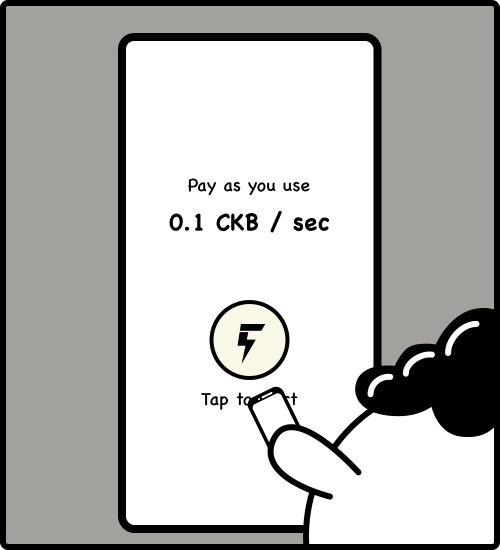
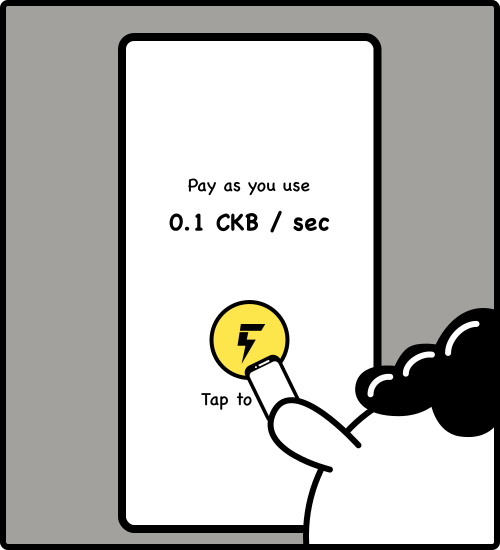
Fiber pod start screen before Pico taps the payment board.Fiber pod screen after Pico taps the payment board.
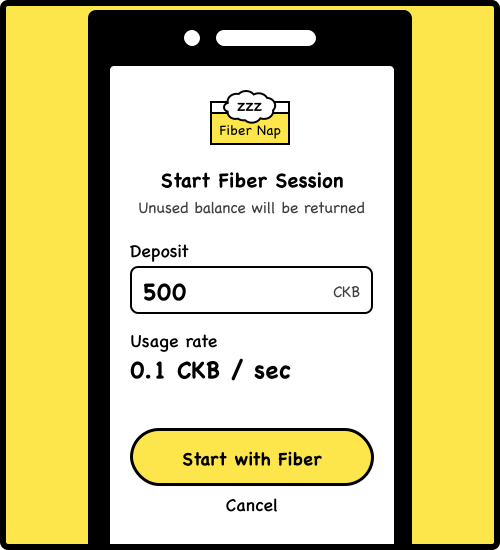
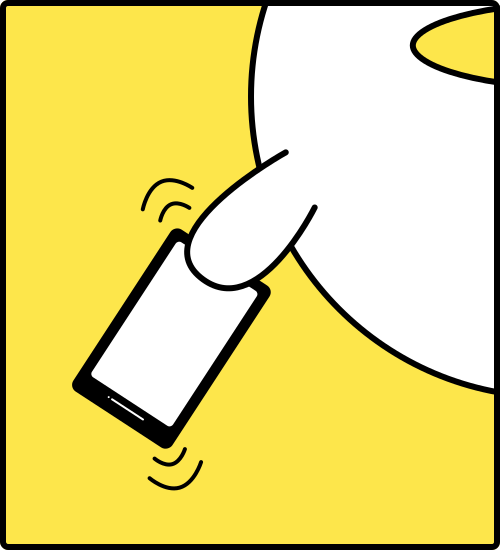
Fiber phone confirmation screen with deposit and rate details.

Fiber Behind the Scenes

Online
Pico avatar

Pico

Initial funding (Layer 1)
Total locked amount500 CKB
500 CKB0 CKB
Payment Channel (Layer 2)
Status:Opening...
Online
Fiber Nap avatar

Fiber Nap

Online
Pico avatar

Pico

Online
Fiber Nap avatar

Fiber Nap

Payment Channel (Layer 2)

Micropayments off-chain

Total: 500 CKB

260 CKB240 CKB

Elapsed time

40 min 0 s

Paid by Pico

240 CKB
Usage rate:0.1 CKB / sec
Remaining:260 CKB
Pico sleeping peacefully.Pico half awake.Pico awake.

Fiber Behind the Scenes

Online
Pico avatar

Pico

Online
Fiber Nap avatar

Fiber Nap

Final settlement (Layer 1)
Final distributed balance
228.8 CKBReturned to Pico
271.2 CKBPaid to Fiber Nap
Payment Channel (Layer 2)
Status:Closing...

Fiber Session Ended

Total paid271.2 CKB
Unused balance returned228.8 CKB
Total time45 min 12 s
Usage rate0.1 CKB / sec
Done

Chapter 2

How payment works across services

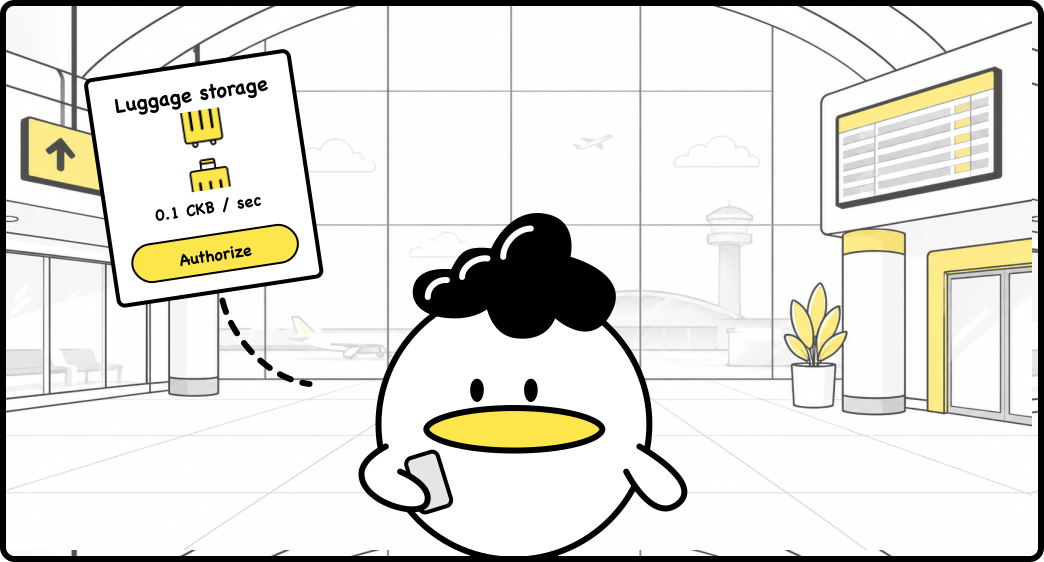
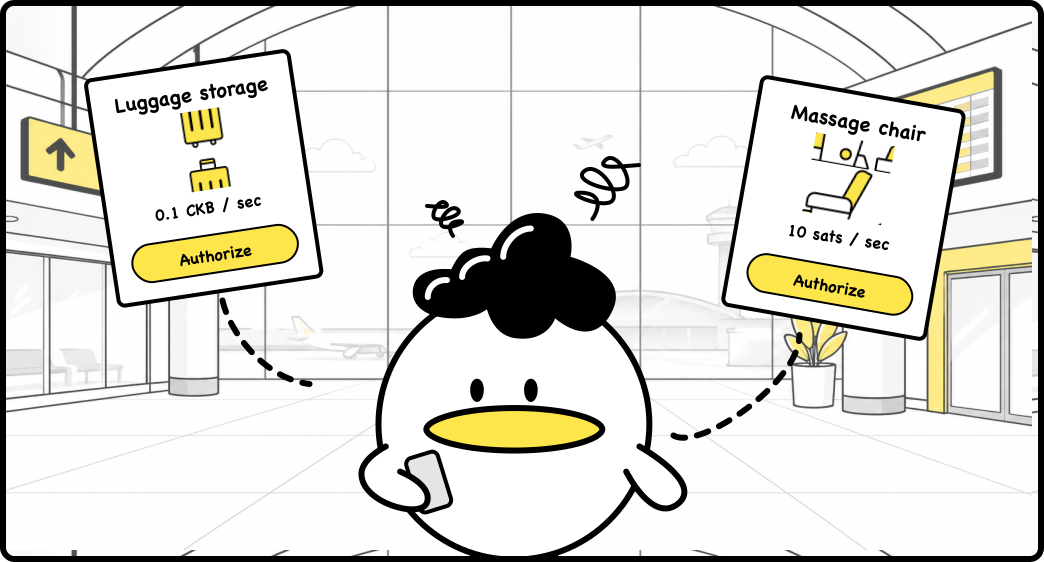
I want several small services before I board
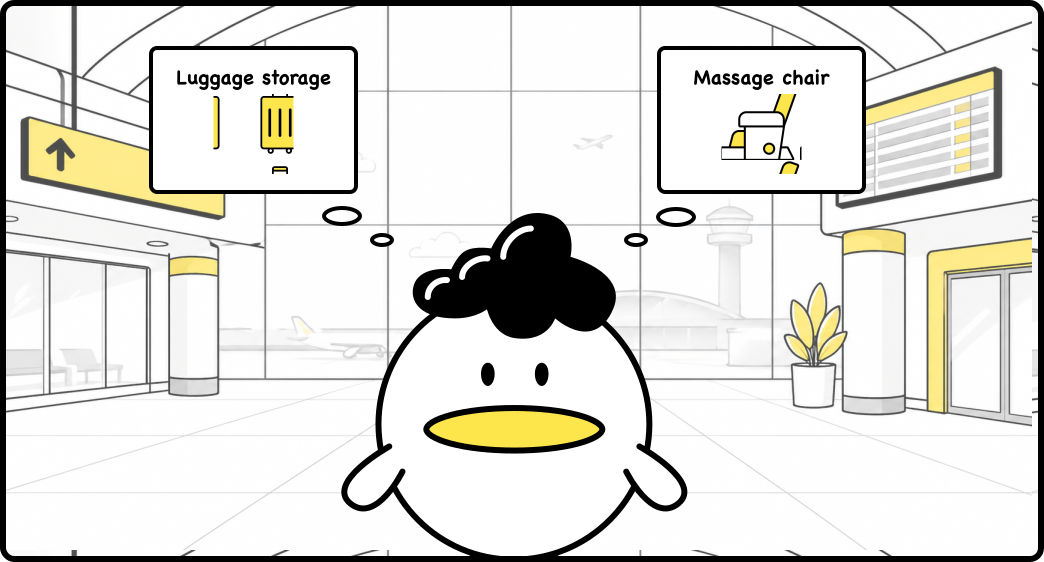
Pico looking at several small airport services before boarding.

Let me check how they work...

Different services. Different assets. I only have CKB.
Different airport services with different assets requiring repeated approvals.Airport service choices while Pico compares repeated approvals.Airport service choices after Pico sees repeated approvals.

Approve each service? Swap assets too?

Oh... what is this?

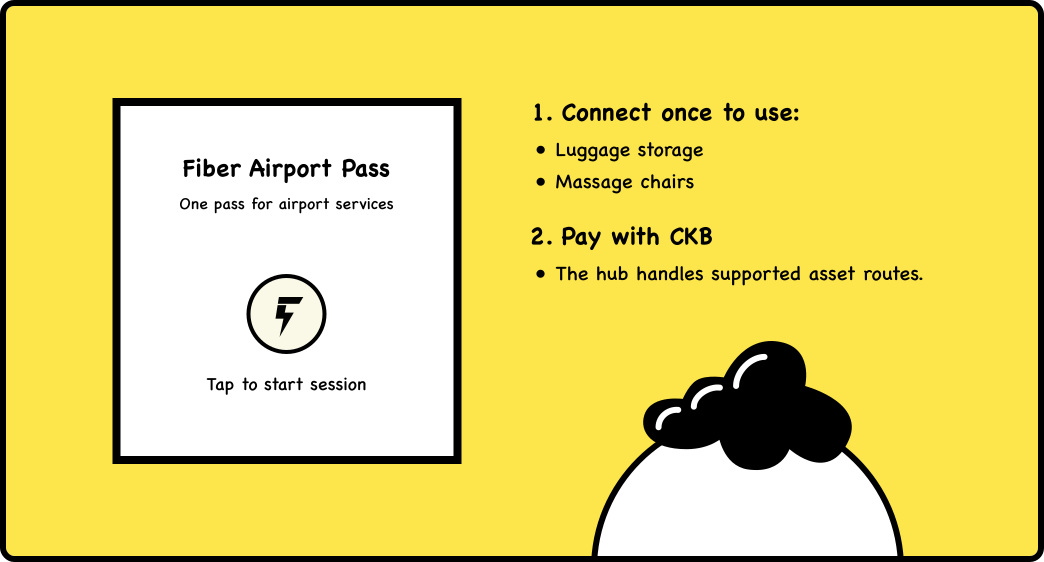
A Fiber connection supporting multiple services and assets.

One pass can connect services and match supported assets?

That sounds great!

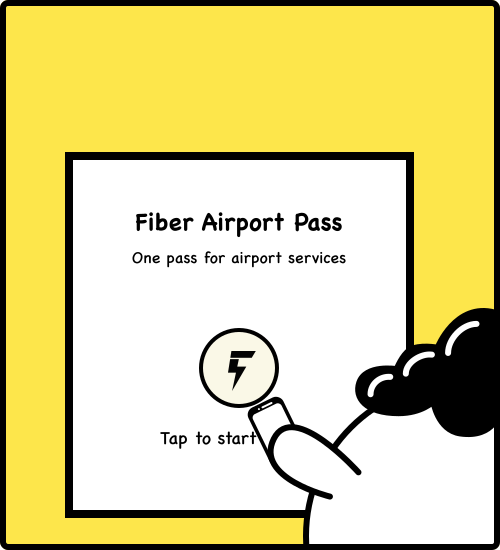
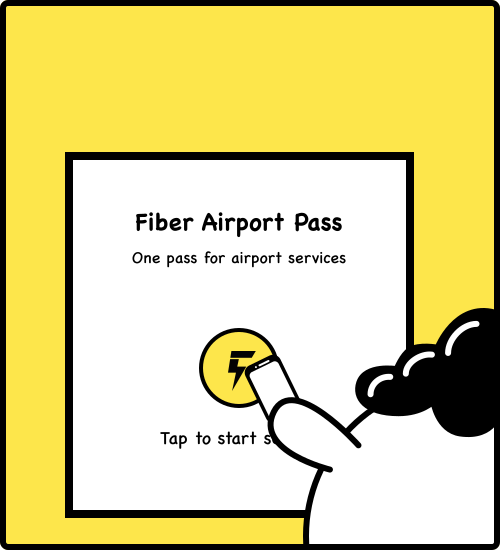
Multi-service start screen before Pico confirms.Multi-service start screen after Pico confirms.
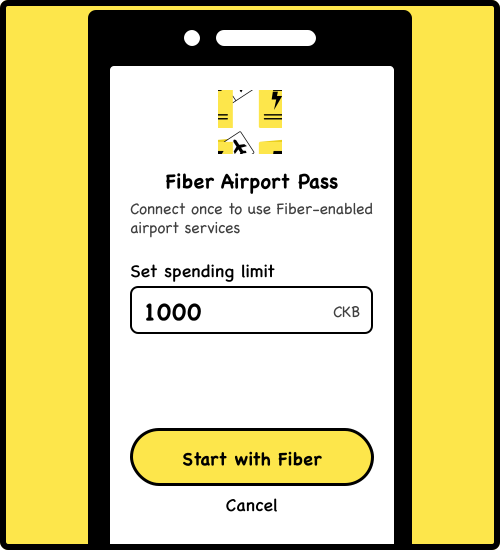
Phone confirmation for multiple supported services and assets.

Fiber Behind the Scenes

Online
Online
Pico avatar

Pico

Asset: CKB

Pico channel
Status:Opening
Online
Online
Fiber Airport Pass avatar

Fiber Airport Pass

Hub node
Supports CKB & sats
Online
Luggage storage avatar

Online

Luggage storage

Accept: CKB

Online
Massage chair avatar

Online

Massage chair

Accept: sats

Fiber Airport Pass has routes and liquidity ready.

Let me try the luggage storage first.
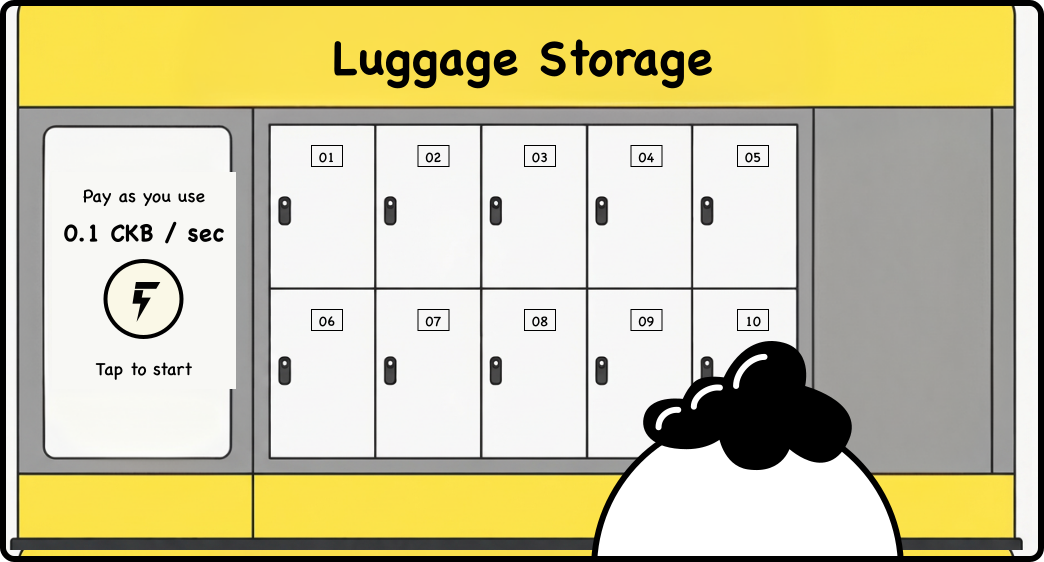
Pico deciding to try luggage storage first.
Luggage storage phone screen before Pico confirms.Luggage storage phone screen after Pico confirms.
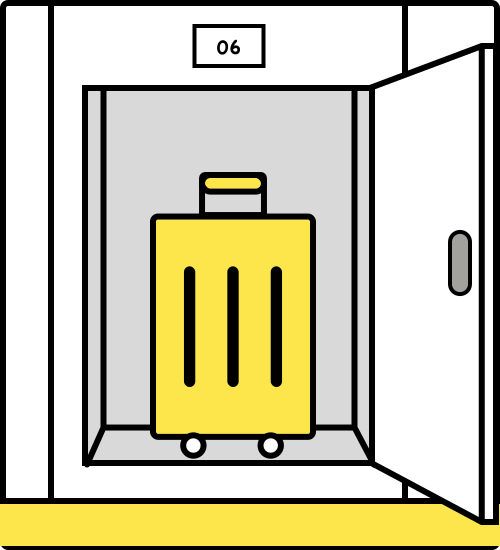
Luggage storage service panel before payment completes.Luggage storage service panel after payment completes.

Fiber Behind the Scenes

Pico channel distribution

Total: 1,000 CKB
1,000 CKB0 CKB

Luggage channel distribution

Total: 5,000 CKB
5,000 CKB0 CKB
Online
Online
Pico avatar

Pico

Asset: CKB

Pico channel
Status:Active
Online
Online
Fiber Airport Pass avatar

Fiber Airport Pass

Hub node
Supports CKB & sats

Luggage channel
Status:Active
Online
Online
Luggage storage avatar

Luggage storage

Accept: CKB

Fiber Airport Pass now routes payment to the luggage storage service.

This takes BTC-sats... but I don't have any.
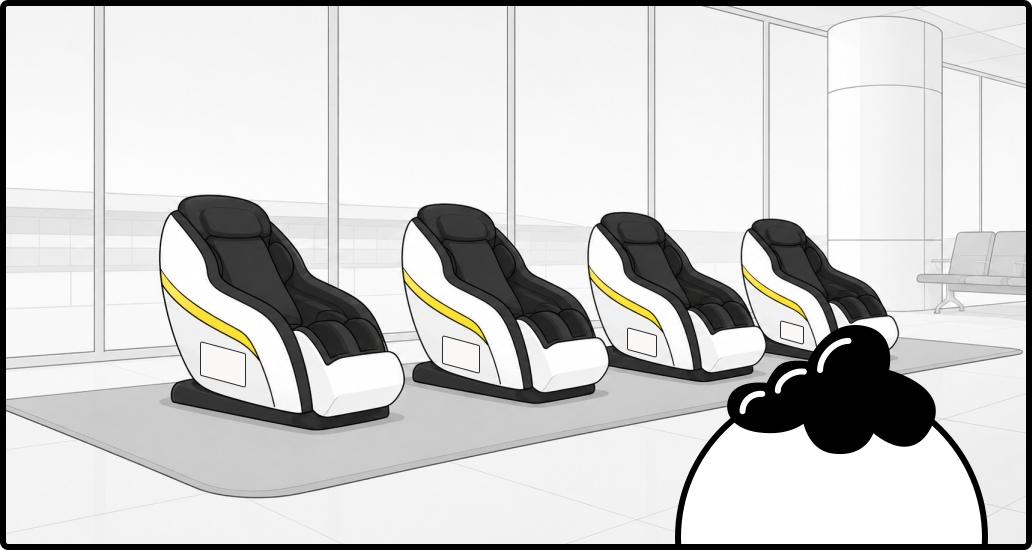
Pico double-checking the massage chair service.

Will it still work with the Fiber Pass?

Massage chair phone screen before Pico confirms.Massage chair phone screen after Pico confirms.
Massage chair service confirmation panel.

Fiber Behind the Scenes

Pico channel distribution

Total: 1,000 CKB
800 CKB200 CKB

Sats route distribution

Total: 100,000 sats
100,000 sats0 sats
Online
Online
Pico avatar

Pico

Asset: CKB

Pico channel
Status:Active
Online
Online
Fiber Airport Pass avatar

Fiber Airport Pass

Hub node
Supports CKB & sats

Massage (Lightning route)
Status:Active
Online
Online
Massage chair avatar

Massage chair

Accept: sats

Fiber Pass bridges Pico’s CKB payment to a sats payment over Lightning

Online
Online
Online
Pico avatar

Online
Fiber Airport Pass avatar

Pico

Asset: CKB

Fiber Airport Pass

Hub node
Supports CKB & sats

Online
Luggage storage avatar

Online

Luggage storage

Accept: CKB

Elapsed time: 2,600 s

Online
Massage chair avatar

Online

Massage chair

Accept: sats

Elapsed time: 603 s

Pico channel distribution

Total: 1,000 CKB
137 CKB863 CKB

Luggage channel distribution

Total: 5,000 CKB
4,740 CKB260 CKB

Sats route distribution

Total: 100,000 sats
93,970 sats6,030 sats

Fiber Behind the Scenes

Online
Online
Pico avatar

Pico

Asset: CKB

Pico channel
Status:Closing
Online
Online
Fiber Airport Pass avatar

Fiber Airport Pass

Hub node
Supports CKB & sats

Online
Luggage storage avatar

Online

Luggage storage

Accept: CKB

Online
Massage chair avatar

Online

Massage chair

Accept: sats

Pico channel closes when the session ends. Service routes remain available.
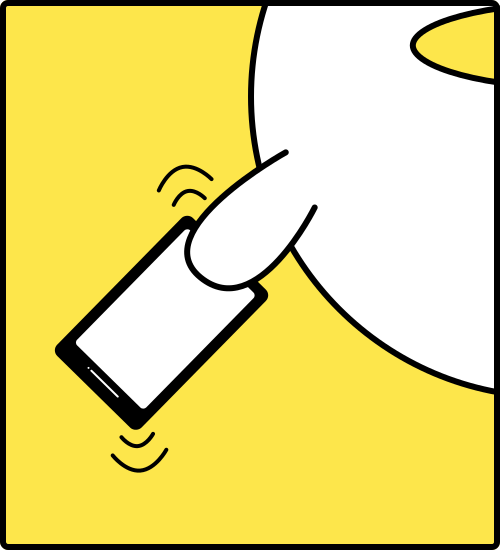
Pico tapping the phone after airport services end.

Fiber Airport Pass

Total paid896 CKB
Unused balance returned104 CKB
ServiceTimePaid
Luggage (CKB)2,630 sec263 CKB
Massage (sats)633 sec6,330 sats

Demo rate: 1 CKB = 10 sats

Done

Thanks for traveling with Pico.

What other journeys could Fiber power? Share your ideas and help shape the next one.

Share your idea